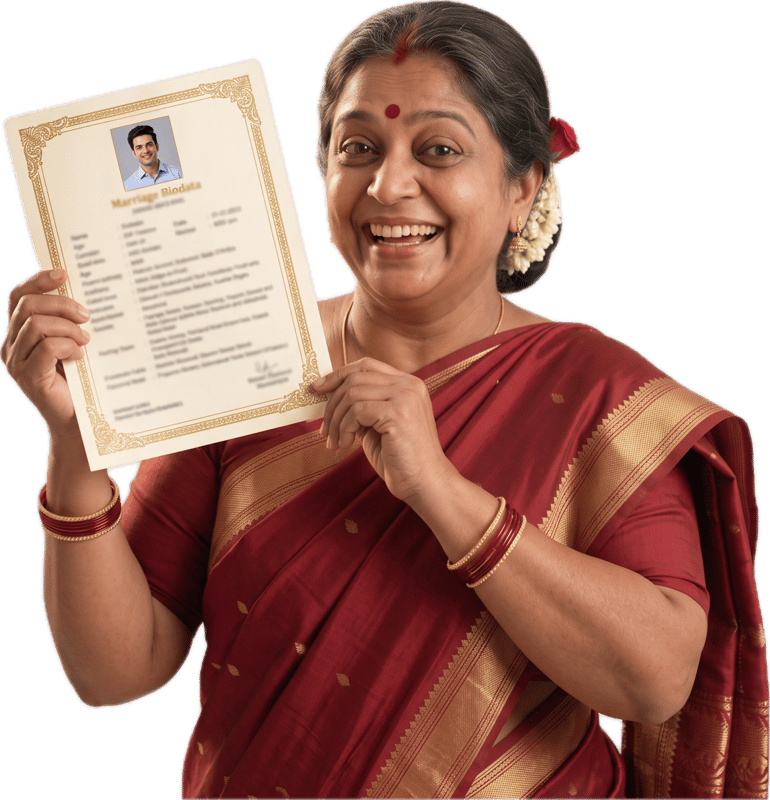
Which photo should you use on a marriage biodata?
Where it goes on your biodata
Personal Details step, "Profile Photo" (optional). Choose a JPG or PNG from your phone or computer. It is resized in your browser before it is added.
What to include
- A recent photo from the last year that looks like you on an ordinary good day.
- Soft daylight from a window or open shade, with the light in front of you.
- A plain, uncluttered background: a wall, a door, a leafy corner.
- Head and shoulders, with your face in the middle of the frame and a little space around it.
- Clothes you would wear to meet someone's parents, in which you still feel like yourself.
- Only you in the picture, looking at the camera with an expression you would use to say hello.
What to leave out
- Group photos, or a crop from a wedding or event where a stranger's shoulder is still in the frame.
- Sunglasses or a cap that hide your eyes. A turban, hijab or glasses you wear every day are part of you and belong in the photo.
- A bright window or sky behind you, which leaves your face in shadow.
- Photos from many years ago. The first meeting is the real test of a photo, so it should look like you today.
- Very wide or distant shots where your face is tiny, because the photo appears in a small upright frame.
- Mirror selfies, dramatic angles or props that pull the eye away from you.
Good photo setups
Each one is a short brief you can hand to a friend with a phone.
Stand facing a bright window, with a plain wall behind you about an arm's length away. Ask a friend to take the photo from chest height, framing you from the chest up with your face in the middle. Look at the camera and let your shoulders drop.
Stand just inside the shade of a tree or a building in the morning or late afternoon, facing the brighter open area so the light falls evenly on your face. Keep the background simple, such as leaves or a plain wall. Ask someone to shoot from eye level.
Wear a saree, kurta, salwar kameez or sherwani in a colour you like, and avoid very busy prints near your face. Shoot in daylight by a plain door or wall. A straight back and a half smile are enough.
Wear the shirt, blouse or kurta you would wear to an important meeting at work. Stand against a light wall in daylight, framed from the chest up. It should look like you on your best working day.
Have a friend take several photos while you talk or laugh at something, near a window or in a park in daytime. Pick the frame where you look most like yourself, then crop to just you, head and shoulders.
Wear whatever you wear every day. Take the photo in daylight, facing the light. If your glasses catch a glare, tilt your head slightly or turn a few degrees towards the light until it clears.
The biodata holds one photo. If a family asks for a full-length one, take it separately in the same daylight, standing straight against a plain wall, and send it in the chat with the biodata.
Common problems and the simple fix
If your photo looks like one of these, this is what to change.
Turn around so the window is in front of you, or move to open shade.
Prop the phone at eye level on a shelf, use the timer, or ask a friend. A selfie taken close up bends the face at the edges.
Take two steps away from the clutter, or stand against a plain wall or door.
Take a new one. A crop often leaves someone else's shoulder in the frame and looks blurry when enlarged.
Step closer, or crop so your head and shoulders fill most of the picture.
Take off sunglasses or a cap for this one photo, so the family can see your eyes.
How the photo appears on the biodata
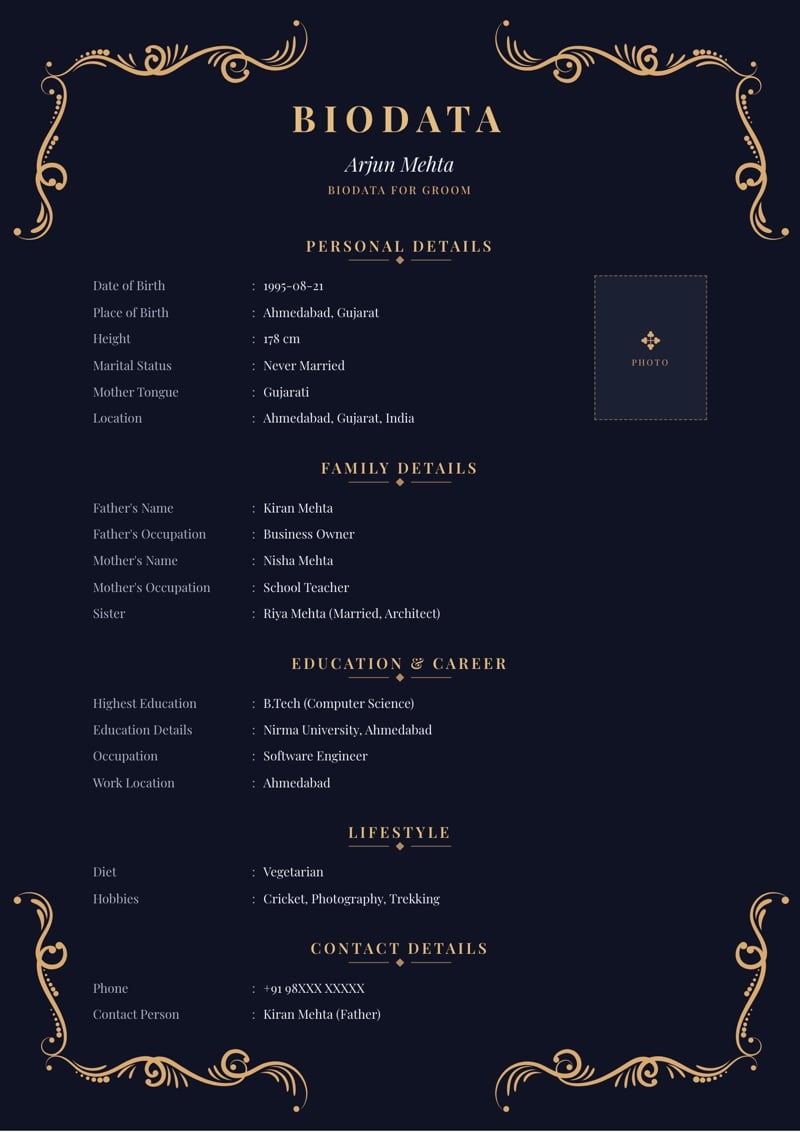
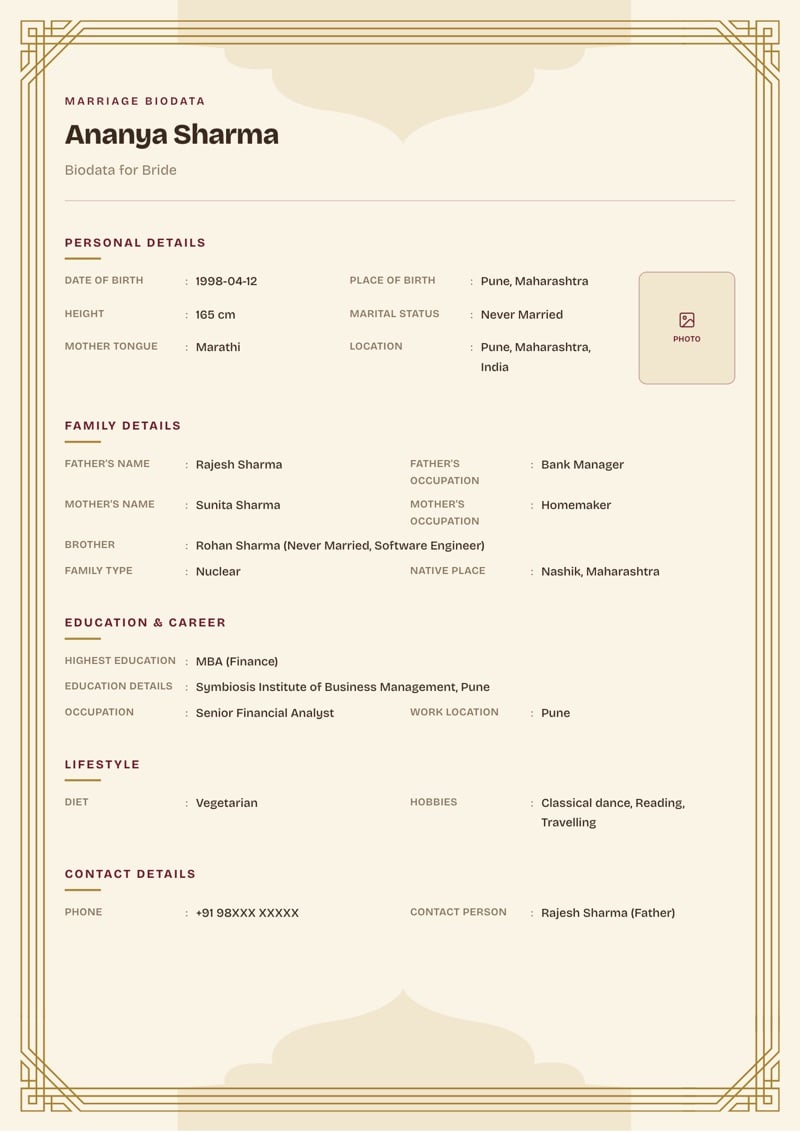
Your photo sits in a small upright frame in the Personal Details section, and the frame crops the picture to fill it. Keep your face in the middle with space around it, because a wide landscape photo loses its sides.
The photo is optional. You can build and preview the biodata without one and add it when you have a good picture. Drafts save in your browser on your own device, so you can come back to it.
Choosing between two or three photos
Take ten and put the best three side by side on your phone. Ask two people who know you which one looks most like you. Ask for the honest answer, not the flattering one.
Look at it small. Most families open a biodata on a phone, so if your face is clear at thumbnail size it will be clear everywhere.
When a parent chooses the photo
It is the person in the photo who should pick it. A parent may love a picture from a wedding, but the person will be the one meeting families, and the photo has to look like them.
Any comfortable clothes work: a saree, a kurta, a shirt, a suit, or a simple T-shirt and jeans. Wear what you would wear to meet someone's family for the first time.
Frequently asked questions
Is a photo compulsory in a marriage biodata?
In the builder, the Profile Photo is optional. Most families like to see one, though, and a biodata with a clear photo is usually easier to respond to. You can build it without one and add it later.
Should the photo be formal or casual?
Somewhere in between. Clean, recent and natural. A very formal studio photo can look stiff, and a party photo can look like you are somewhere else. Think of the photo you would send to a friend of the family.
Can I use a photo from a wedding or festival?
Yes, if you are alone in it, it is recent and your face is clear. Festival clothes look lovely. A crop from a group photo usually does not work, because it leaves someone's shoulder in the frame.
What size or format should the photo be?
A JPG or PNG straight from your phone is fine. The builder resizes the photo in your browser before it is added, so you do not need to shrink or edit it first.
About MyMarriageBio
MyMarriageBio is a marriage biodata maker for the moment you're ready to take the first step: fill in your details, pick a design you love, and share a beautiful biodata with your family in minutes.
Create Biodata Now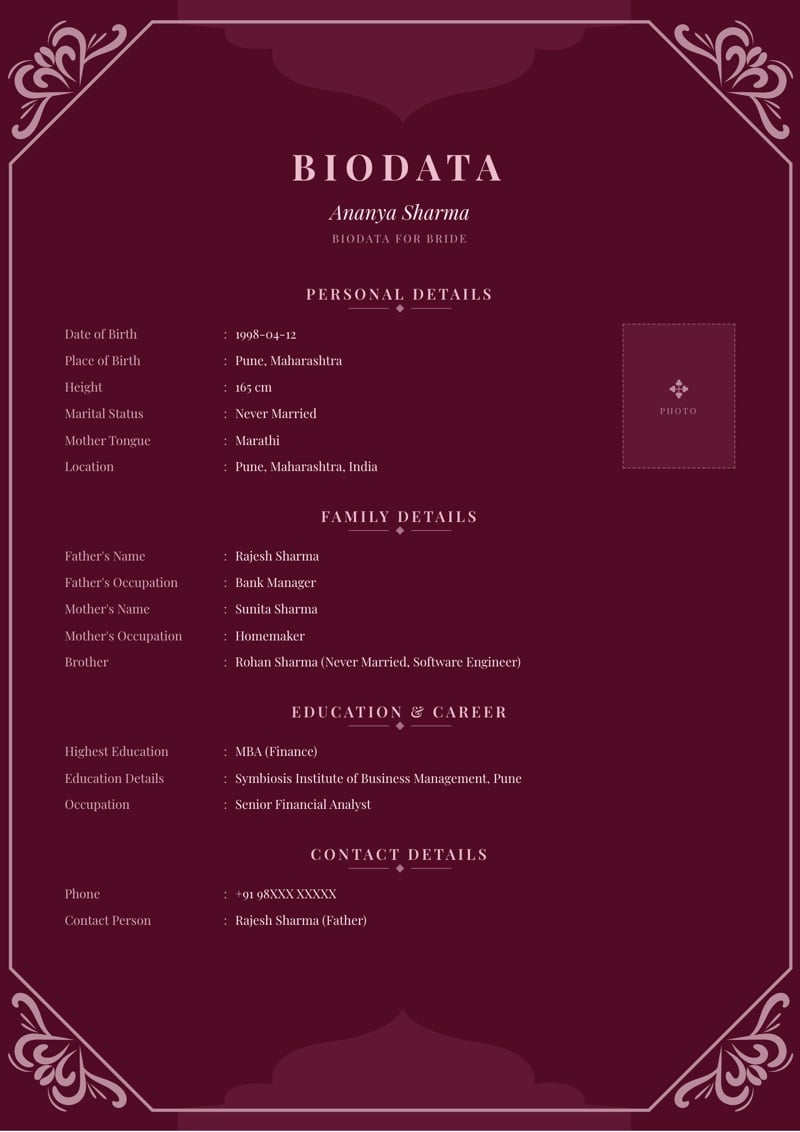
Read next
Partner preference examples
Copyable lines for age, height, education, location and the Other Expectations box.
Hobbies for biodata
Specific, copyable hobbies in six themes, and how they differ from interests.
Marital status in biodata
What each option means, and how to say more about a past marriage or children.