
All 27 Nakshatras for Your Marriage Biodata

- 1Deva
Ashwini
अश्विनी
- Lord
- Ketu
- Nadi
- Adi
- Yoni
- Horse
- Rashi
- Mesh
- Letters
- Chu, Che, Cho, La
- 2Manushya
Bharani
भरणी
- Lord
- Venus
- Nadi
- Madhya
- Yoni
- Elephant
- Rashi
- Mesh
- Letters
- Li, Lu, Le, Lo
- 3Rakshasa
Krittika
कृत्तिका
- Lord
- Sun
- Nadi
- Antya
- Yoni
- Sheep
- Rashi
- Mesh / Vrishabh
- Letters
- A, I, U, E
- 4Manushya
Rohini
रोहिणी
- Lord
- Moon
- Nadi
- Antya
- Yoni
- Serpent
- Rashi
- Vrishabh
- Letters
- O, Va, Vi, Vu
- 5Deva
Mrigashira
मृगशिरा
- Lord
- Mars
- Nadi
- Madhya
- Yoni
- Serpent
- Rashi
- Vrishabh / Mithun
- Letters
- Ve, Vo, Ka, Ki
- 6Manushya
Ardra
आर्द्रा
- Lord
- Rahu
- Nadi
- Adi
- Yoni
- Dog
- Rashi
- Mithun
- Letters
- Ku, Gha, Na, Chha
- 7Deva
Punarvasu
पुनर्वसु
- Lord
- Jupiter
- Nadi
- Adi
- Yoni
- Cat
- Rashi
- Mithun / Kark
- Letters
- Ke, Ko, Ha, Hi
- 8Deva
Pushya
पुष्य
- Lord
- Saturn
- Nadi
- Madhya
- Yoni
- Sheep
- Rashi
- Kark
- Letters
- Hu, He, Ho, Da
- 9Rakshasa
Ashlesha
आश्लेषा
- Lord
- Mercury
- Nadi
- Antya
- Yoni
- Cat
- Rashi
- Kark
- Letters
- Di, Du, De, Do
- 10Rakshasa
Magha
मघा
- Lord
- Ketu
- Nadi
- Antya
- Yoni
- Rat
- Rashi
- Singh
- Letters
- Ma, Mi, Mu, Me
- 11Manushya
Purva Phalguni
पूर्वा फाल्गुनी
- Lord
- Venus
- Nadi
- Madhya
- Yoni
- Rat
- Rashi
- Singh
- Letters
- Mo, Ta, Ti, Tu
- 12Manushya
Uttara Phalguni
उत्तरा फाल्गुनी
- Lord
- Sun
- Nadi
- Adi
- Yoni
- Cow
- Rashi
- Singh / Kanya
- Letters
- Te, To, Pa, Pi
- 13Deva
Hasta
हस्त
- Lord
- Moon
- Nadi
- Adi
- Yoni
- Buffalo
- Rashi
- Kanya
- Letters
- Pu, Sha, Na, Tha
- 14Rakshasa
Chitra
चित्रा
- Lord
- Mars
- Nadi
- Madhya
- Yoni
- Tiger
- Rashi
- Kanya / Tula
- Letters
- Pe, Po, Ra, Ri
- 15Deva
Swati
स्वाति
- Lord
- Rahu
- Nadi
- Antya
- Yoni
- Buffalo
- Rashi
- Tula
- Letters
- Ru, Re, Ro, Ta
- 16Rakshasa
Vishakha
विशाखा
- Lord
- Jupiter
- Nadi
- Antya
- Yoni
- Tiger
- Rashi
- Tula / Vrishchik
- Letters
- Ti, Tu, Te, To
- 17Deva
Anuradha
अनुराधा
- Lord
- Saturn
- Nadi
- Madhya
- Yoni
- Deer
- Rashi
- Vrishchik
- Letters
- Na, Ni, Nu, Ne
- 18Rakshasa
Jyeshtha
ज्येष्ठा
- Lord
- Mercury
- Nadi
- Adi
- Yoni
- Deer
- Rashi
- Vrishchik
- Letters
- No, Ya, Yi, Yu
- 19Rakshasa
Mula
मूल
- Lord
- Ketu
- Nadi
- Adi
- Yoni
- Dog
- Rashi
- Dhanu
- Letters
- Ye, Yo, Bha, Bhi
- 20Manushya
Purva Ashadha
पूर्वाषाढ़ा
- Lord
- Venus
- Nadi
- Madhya
- Yoni
- Monkey
- Rashi
- Dhanu
- Letters
- Bhu, Dha, Pha, Dha
- 21Manushya
Uttara Ashadha
उत्तराषाढ़ा
- Lord
- Sun
- Nadi
- Antya
- Yoni
- Mongoose
- Rashi
- Dhanu / Makar
- Letters
- Bhe, Bho, Ja, Ji
- 22Deva
Shravana
श्रवण
- Lord
- Moon
- Nadi
- Antya
- Yoni
- Monkey
- Rashi
- Makar
- Letters
- Khi, Khu, Khe, Kho
- 23Rakshasa
Dhanishta
धनिष्ठा
- Lord
- Mars
- Nadi
- Madhya
- Yoni
- Lion
- Rashi
- Makar / Kumbh
- Letters
- Ga, Gi, Gu, Ge
- 24Rakshasa
Shatabhisha
शतभिषा
- Lord
- Rahu
- Nadi
- Adi
- Yoni
- Horse
- Rashi
- Kumbh
- Letters
- Go, Sa, Si, Su
- 25Manushya
Purva Bhadrapada
पूर्वा भाद्रपद
- Lord
- Jupiter
- Nadi
- Adi
- Yoni
- Lion
- Rashi
- Kumbh / Meen
- Letters
- Se, So, Da, Di
- 26Manushya
Uttara Bhadrapada
उत्तरा भाद्रपद
- Lord
- Saturn
- Nadi
- Madhya
- Yoni
- Cow
- Rashi
- Meen
- Letters
- Du, Tha, Jha, Na
- 27Deva
Revati
रेवती
- Lord
- Mercury
- Nadi
- Antya
- Yoni
- Elephant
- Rashi
- Meen
- Letters
- De, Do, Cha, Chi
Reading the table
Find the nakshatra from your kundli, then copy across its gana and nadi. If the Rashi column shows two names, the nakshatra spans a border and your pada decides which rashi is yours: padas at the start of the nakshatra belong to the first rashi.
The letters are the traditional first sounds for a name, one per pada. To go the other way, from a name to a rashi, use the rashi finder.
Frequently asked questions
How do I find my nakshatra?
Your nakshatra is the one the Moon was in when you were born, so it comes from your date, time and place of birth. It is printed on your kundli. If there is no kundli, a family priest or any kundli tool can work it out from those three details.
What is the difference between nakshatra and rashi?
Both describe where the Moon was at birth, at two sizes. The sky is split into 12 rashis and, more finely, into 27 nakshatras, so each rashi holds two and a quarter nakshatras. A biodata usually lists both.
What are gana and nadi on a biodata?
They are qualities of your nakshatra that guna milan compares between two people. Gana is Deva, Manushya or Rakshasa and carries 6 of the 36 points; nadi is Adi, Madhya or Antya and carries 8. Both follow from the nakshatra, so once you know it, you know them.
What is a pada or charan?
Each nakshatra is divided into four quarters called padas, or charans. The pada decides your naming letter and, for nakshatras that span two rashis, which rashi you have. The builder's Charan field takes the number, 1 to 4.
About MyMarriageBio
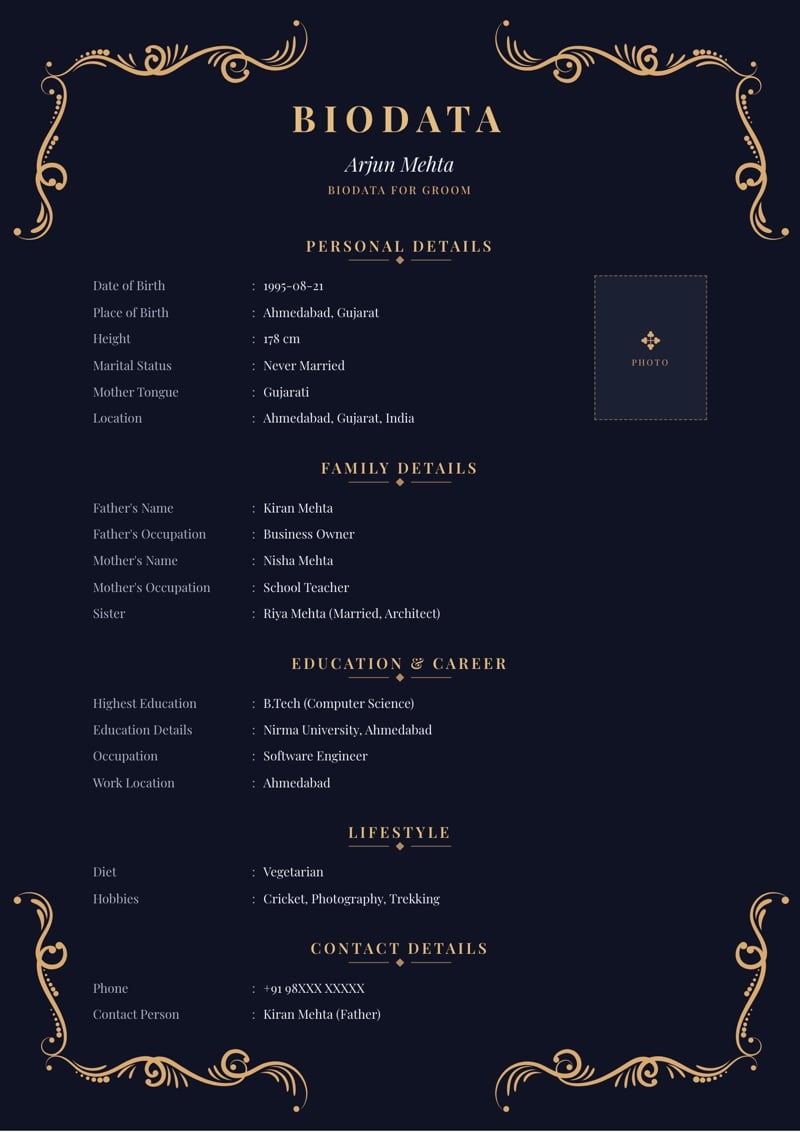
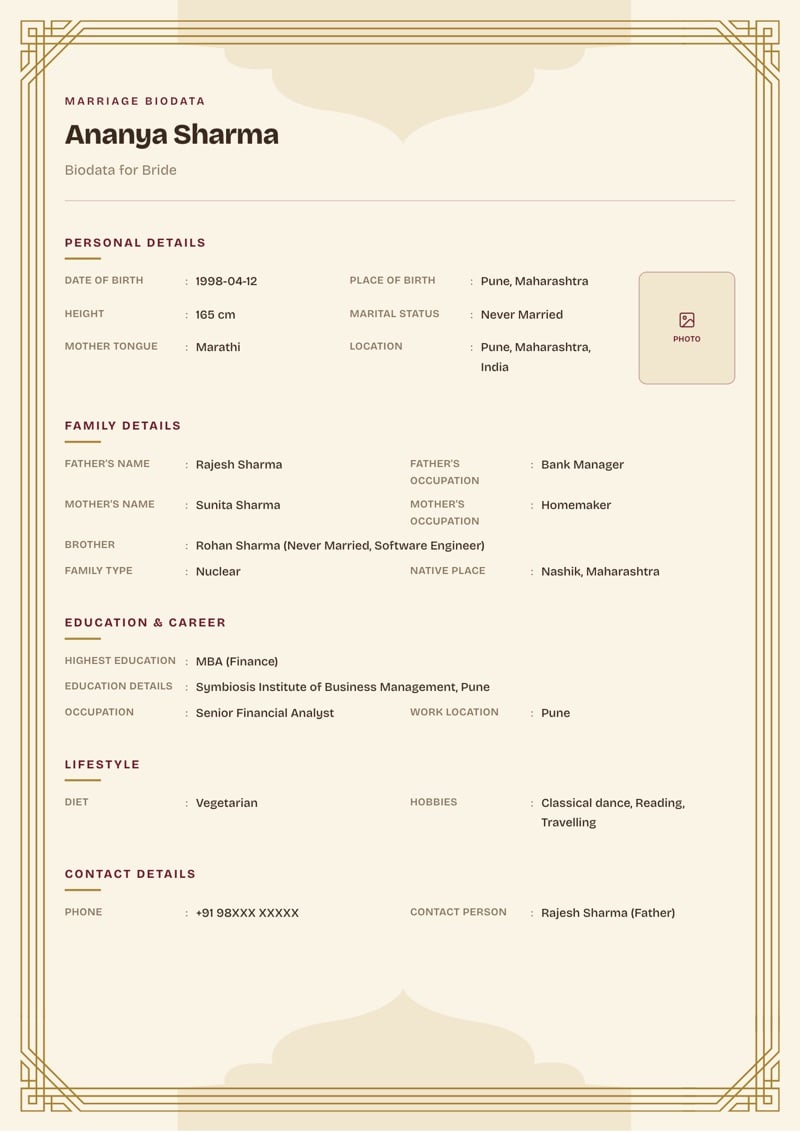
MyMarriageBio is a marriage biodata maker for the moment you're ready to take the first step: fill in your details, pick a design you love, and share a beautiful biodata with your family in minutes.
Create Biodata Now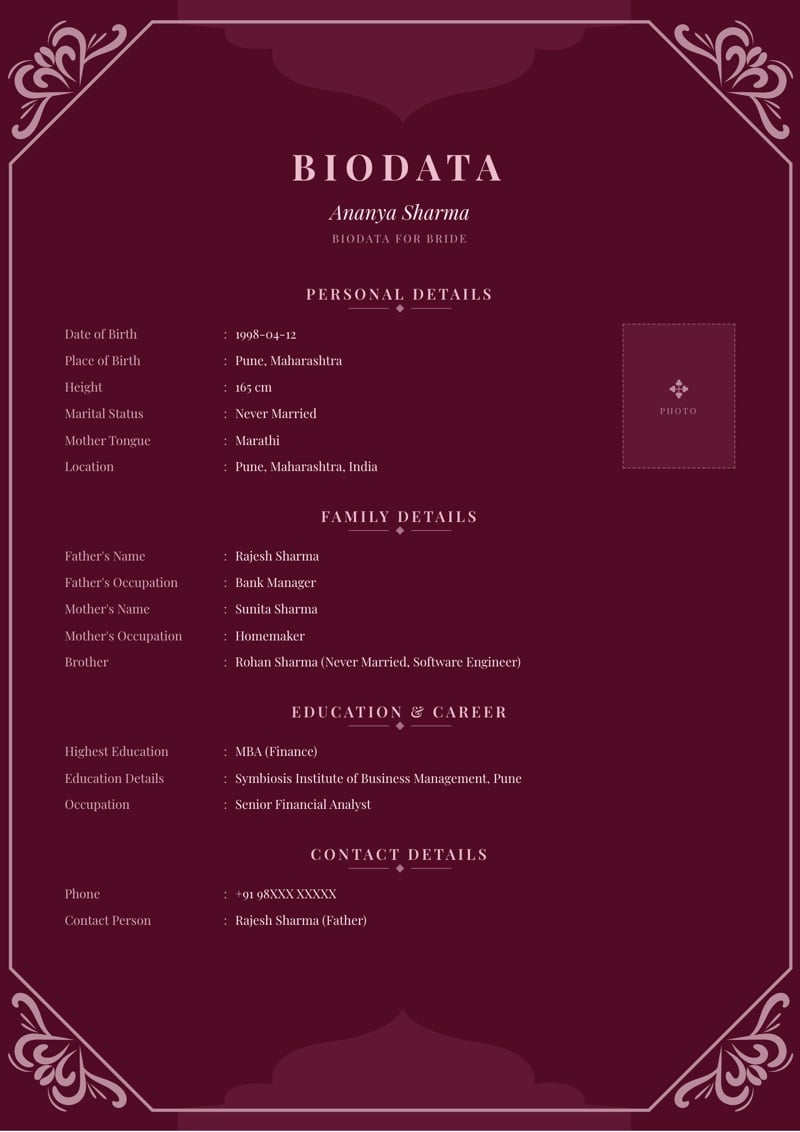
Read next
Find your rashi from your name
Type a name and see its rashi and nakshatra letters, with all 12 rashis explained.
Try it BlogGotra, Nakshatra, Rashi, Manglik on a Marriage Biodata
What Gotra, Nakshatra, Rashi, and Manglik status actually mean, and why they show up on so many Hindu marriage biodatas.
Read post BlogHow to Find Your Gotra: What Is My Gotra?
What a gotra is, how to find yours when nobody remembers, and where it goes on a marriage biodata.
Read post