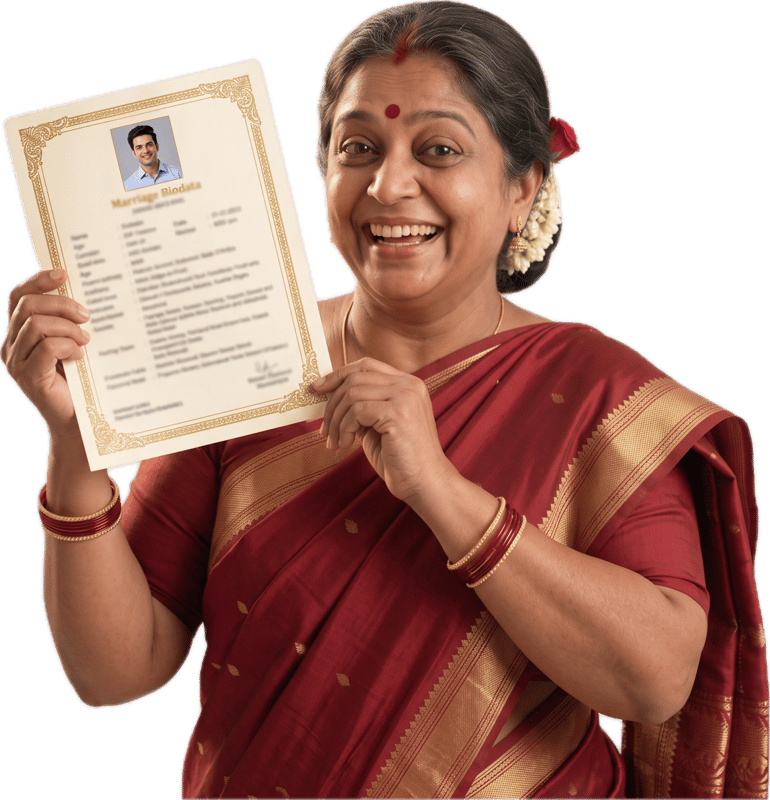
Punjabi Marriage Biodata Format: Got, Community and Roots
Updated 1 October 2026
Hindu or Sikh: one builder, two ways to fill it
Punjabi families are Hindu, Sikh and of other faiths, and many have members of more than one. The biodata follows the faith of the person it is for. Hindu Punjabi families can also read our Hindu Marriage Biodata Format guide, and Sikh families our Sikh Marriage Biodata Format guide.
This page covers what sits across both: got, community and roots.
Got, community and sub-community
Many Punjabi families say got where other families say gotra: the clan name that families check so that a match within the same one is avoided. Some families also ask for the mother's got. Write the got your elders name, which may or may not match the surname.
- Religion
- Required. Hindu or Sikh. Some Sikh families add more in brackets, for example Sikh (Amritdhari), if it matters to them.
- Caste
- The community your family names, for example Khatri, Arora, Jat, Saini, Ramgarhia or Brahmin. Leave it empty if your family does not use one.
- Sub Caste
- A further division, if your family uses one. Some families write it here and others leave it empty.
- Gothra
- Write the got here, for example Kapoor or Sidhu. Some families add the mother's got after their own. The builder spells the field Gothra.
Native place and roots
Native Place is in Family Details. Many Punjabi families name the village or town in Punjab, and some name a place from before 1947, such as Lahore or Rawalpindi, where their grandparents came from. Write whichever your elders would say.
Mother Tongue is usually Punjabi, and families who speak Hindi or another language at home can write that. If the person lives in another city or country, Current City, Current State and Current Country say so, and Work Location in Education & Career can differ from all three.
Horoscope: it depends on the family
Many Hindu Punjabi families match horoscopes, and many do not. Many Sikh families do not use the Astrology step at all. Fill in Time of Birth, Place of Birth and the Astrology fields only if your family will use them.
Manglik is a dropdown with Yes, No, Dont Know and Anshik. Leave it empty if it is not part of how your family decides. Our blog post on gotra, nakshatra, rashi and manglik explains each one for families who do use them.
Food and lifestyle
Diet is a dropdown: Vegetarian, Non-Vegetarian, Eggetarian, Vegan or Jain. Punjabi families eat in many ways, so pick the one that is true for the person.
Hobbies and Interests are tags, so they suit short, specific lines. If a partner's diet matters to you, Other Expectations in the optional Partner Preferences step is the place to say so.
Labels: Hindi or English
Field labels can print in English, Hindi, Marathi, Gujarati or Odia. Hindi suits many Punjabi families, and English works for everyone. Punjabi labels are not available.
Only the labels change. What you type prints exactly as you typed it, so a got or a village spelt your family's way stays that way.
Frequently asked questions
Is got the same as gotra?
They play a similar role: a clan name that families check to avoid a match within the same one. Many Punjabi families say got. Write it in the Gothra field, the builder's only field for it, and add the mother's got if your elders want it.
Does a Sikh Punjabi biodata need horoscope details?
Usually not. Many Sikh families leave the whole Astrology step empty, and it is optional. If your family does use it, every field is there.
Where do I write my Punjabi community, like Khatri or Jat?
Caste is the place for the community your family names, and Sub Caste for a further division if you use one. Both are optional, so leave them empty if your family does not use them.
Can a Punjabi biodata print in Punjabi?
Not the labels. They can print in English, Hindi, Marathi, Gujarati or Odia, and Punjabi is not among them. What you type prints exactly as you typed it, so a name or village stays in your family's spelling.
About MyMarriageBio
MyMarriageBio is a marriage biodata maker for the moment you're ready to take the first step: fill in your details, pick a design you love, and share a beautiful biodata with your family in minutes.
Create Biodata Now