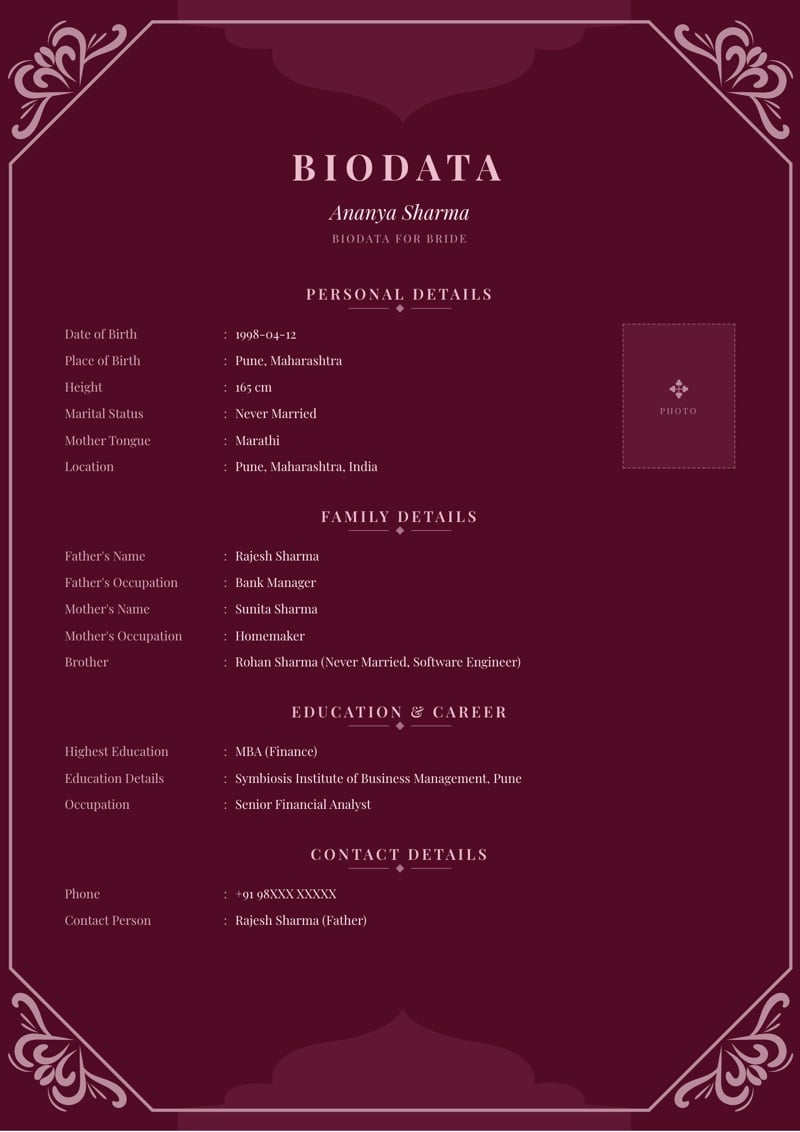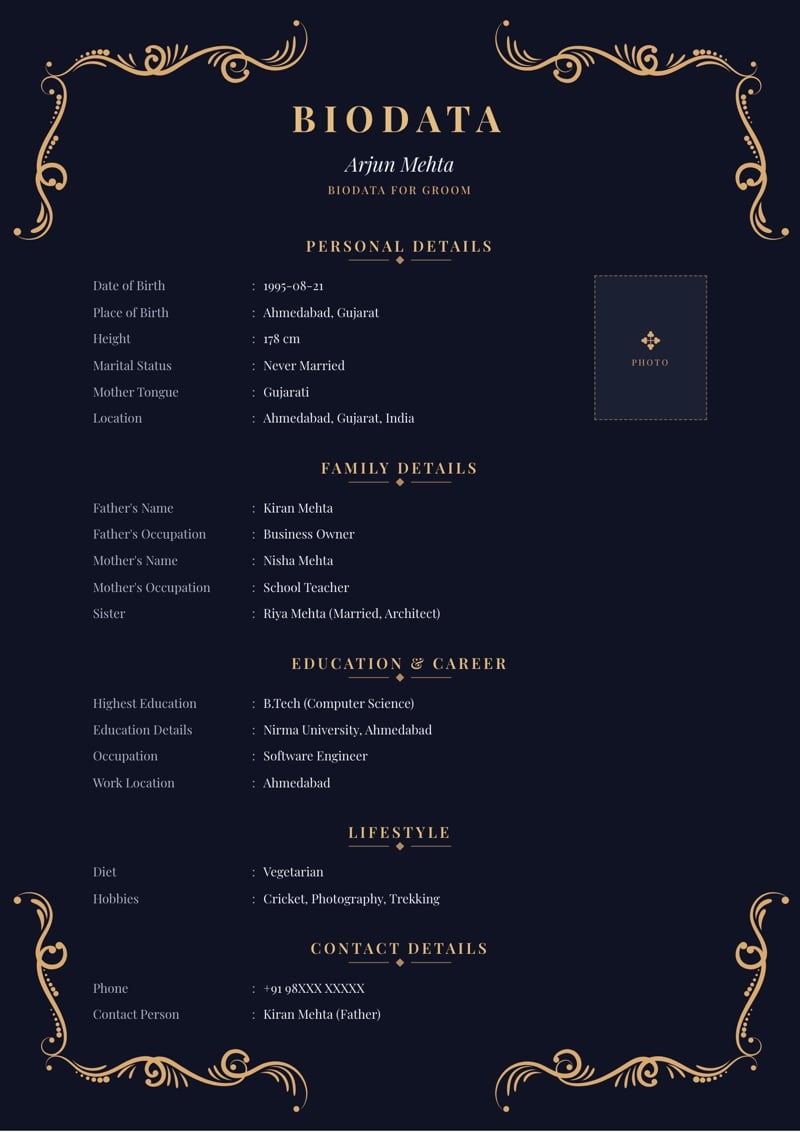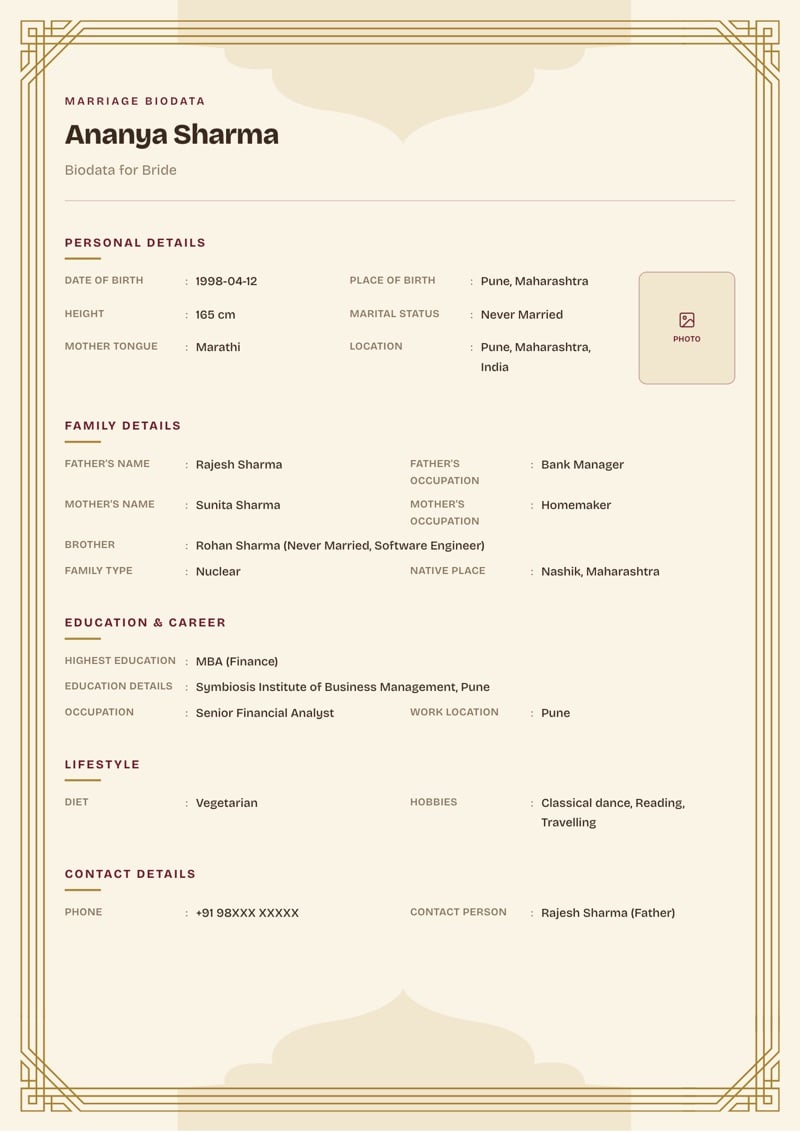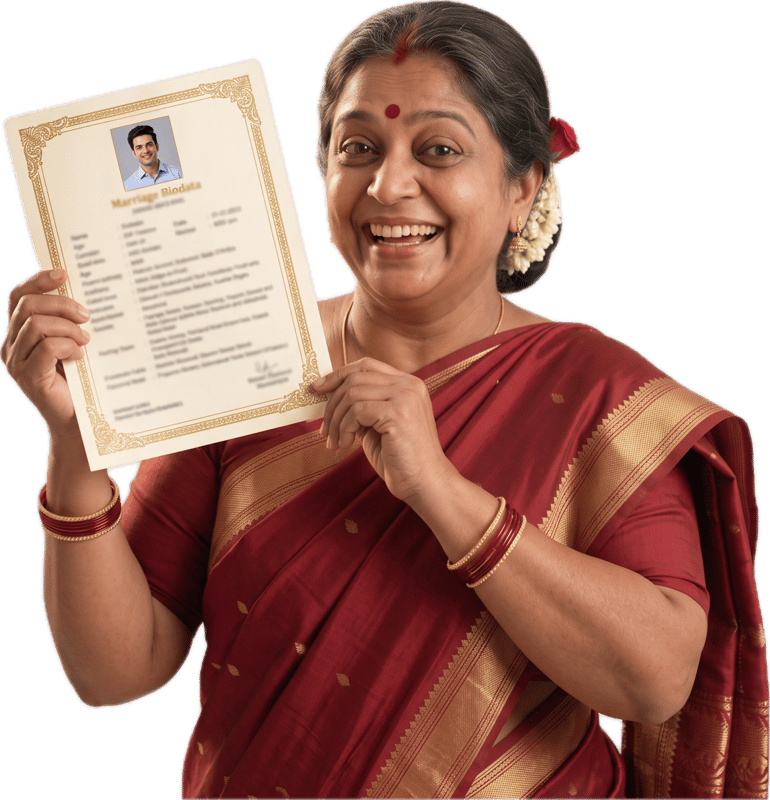
Maratha Marriage Biodata Format: Kul, Devak and Native Place
Updated 1 October 2026
What a Maratha family reads first
Many Maratha families begin with the kul, the clan that goes with the surname, and the mul gaon, the ancestral village. Some families also state that they are 96 Kuli, and many check devak, the family emblem that is often not shared between a couple.
Not every family uses all of these, and practice differs between regions of Maharashtra. Write what your own elders would say, and leave out what they would not.
Community, kul, devak and gotra
The builder has no separate field for kul or devak, so use the ones that are there. Caste and Sub Caste carry the community and the kul, and Gothra is where families that track devak or gotra often write it.
- Caste
- Write Maratha, or leave it empty if your family does not use it.
- Sub Caste
- 96 Kuli, if your family uses the term, for example 96 Kuli Maratha. Some families write the kul name here as well.
- Gothra
- Families that track devak often write it here, for example Devak: Panchpallavi. Some families know a gotra too, and can write both one after the other. Leave it empty if your family uses neither.
- Native Place
- Write the mul gaon: village, taluka and district. Many families read this line closely, and it often tells the reader which part of Maharashtra the family is from.
- Mother Tongue
- Marathi, or whichever language your family speaks at home.
Family details, and what the builder does not have
Family Details holds the parents' names and occupations, siblings with their marital status, Family Type (Nuclear or Joint), Family Values and Native Place. Father's Occupation is free text, so a family can describe its work in its own words.
Many Marathi biodatas also list the maternal uncle (mama) and other close relatives. The builder has no separate fields for them, so if your elders want them on the page, mention them when you share the PDF.
Horoscope: the five Astrology fields
Many Marathi families read the Astrology step as a set: Rashi, Nakshatra, Charan, Gan and Nadi. Nadi gets particular attention in many families, so write it only if you are sure of it. Your family astrologer or the patrika will have it.
Time of Birth and Place of Birth in Personal Details are what the patrika is worked out from, so fill them in too. Manglik is a dropdown with Yes, No, Dont Know and Anshik. Our blog post on gotra, nakshatra, rashi and manglik explains each field in plain words.
Marathi labels
Field labels can print in Marathi, so the page reads in your family's language. Our Marathi biodata format guide shows the labels and how they look.
Only the labels change. Your name, your kul and your village print exactly as you typed them, so type them in the script you want the elders to read.
Frequently asked questions
Where do I write 96 Kuli on a Maratha biodata?
Sub Caste is the natural place, for example 96 Kuli Maratha, with Caste saying Maratha. Use the terms your family uses and leave out the ones it does not.
Where does devak go?
The builder has no devak field. Families that track it often use the Gothra field, for example Devak: Panchpallavi, since many families read devak a little like gotra when avoiding a match within the same clan. If your family knows a gotra too, write both.
Can the whole biodata print in Marathi?
The field labels and section headings can print in Marathi. What you type, such as your name and village, prints exactly as typed, so to see your own entries in Marathi, type them in Marathi.
Do Maratha families need horoscope details?
Many do, but not all. Rashi, Nakshatra, Charan, Gan and Nadi are optional, and so is the whole step. Fill in what your family uses and leave the rest to the family astrologer.
About MyMarriageBio
MyMarriageBio is a marriage biodata maker for the moment you're ready to take the first step: fill in your details, pick a design you love, and share a beautiful biodata with your family in minutes.
Create Biodata Now